
Download iCoolsoft iPod Video Converter – Convert Video & Audio for Apple Devices
Overview
Key Features & Functionality
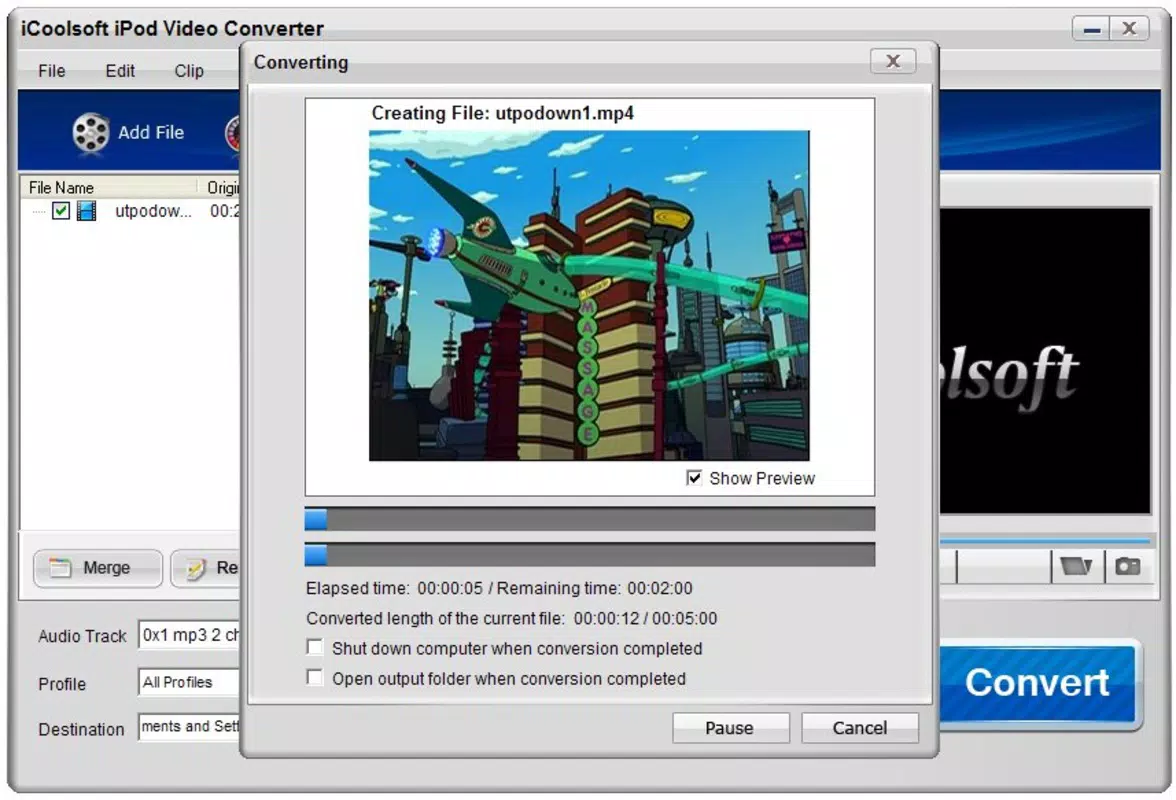
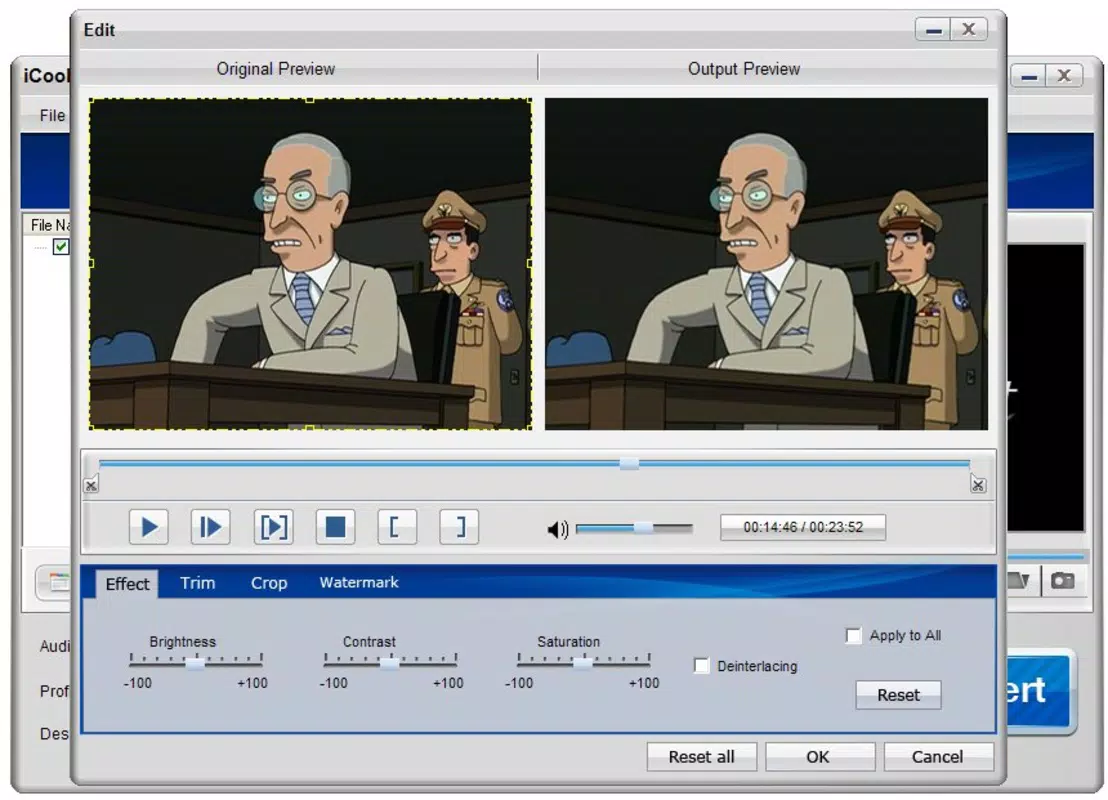
The app offers a set of core functionalities tailored to media conversion and customization. It supports a broad range of input formats, including AVI, MPEG, WMV, DivX, RM, and FLV for video, and MP3, AAC, WMA, and similar formats for audio. This wide compatibility allows users to convert nearly any media file they possess into formats optimized for Apple devices. A key feature is the ability to customize output settings, such as video codec, resolution, frame rate, and audio channels, enabling users to balance file size and quality based on their needs. For example, a user can convert a high-resolution movie to a lower resolution to save space on an iPod while maintaining acceptable playback quality. The interface is designed for ease of use, with a streamlined workflow that guides users from file import to final conversion with minimal steps. This makes the app accessible even to non-technical users. The tool is especially useful for those who regularly transfer content from various sources—such as downloaded videos or recordings—to their Apple devices. It ensures that files are not only compatible but also properly optimized for smooth playback, reducing the risk of buffering or playback errors.User-Friendly Workflow
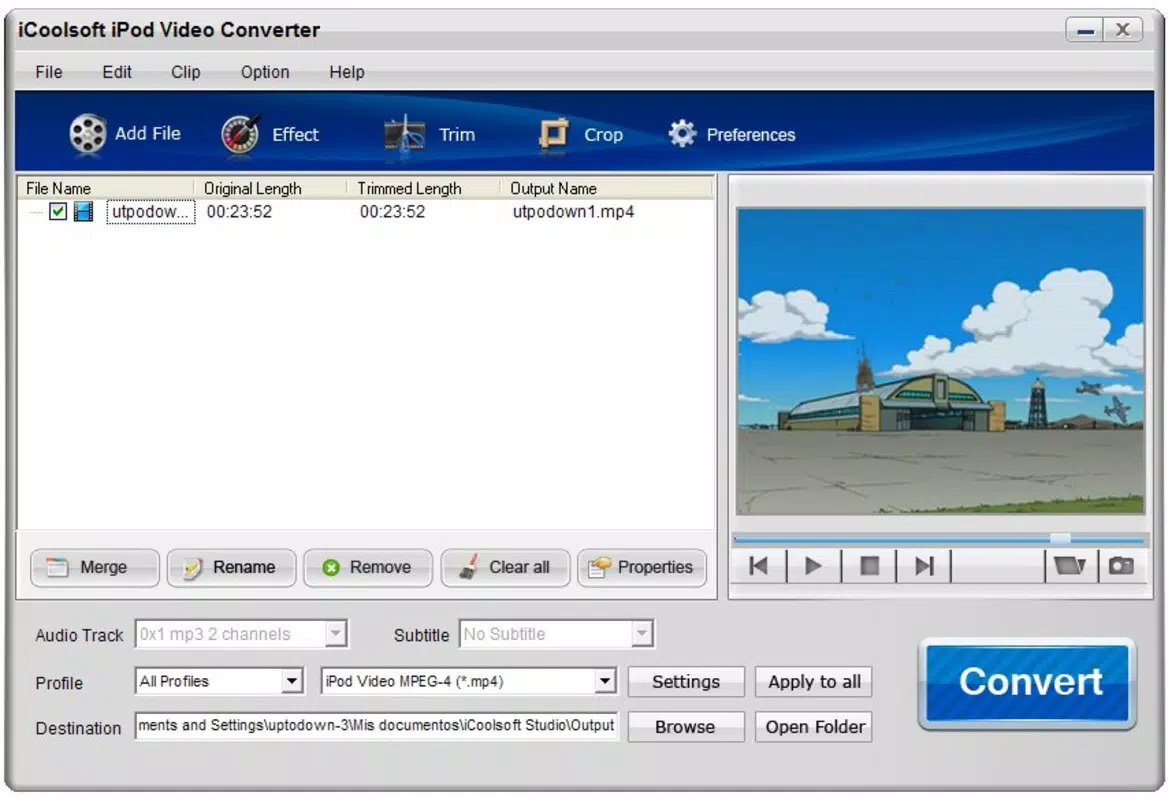
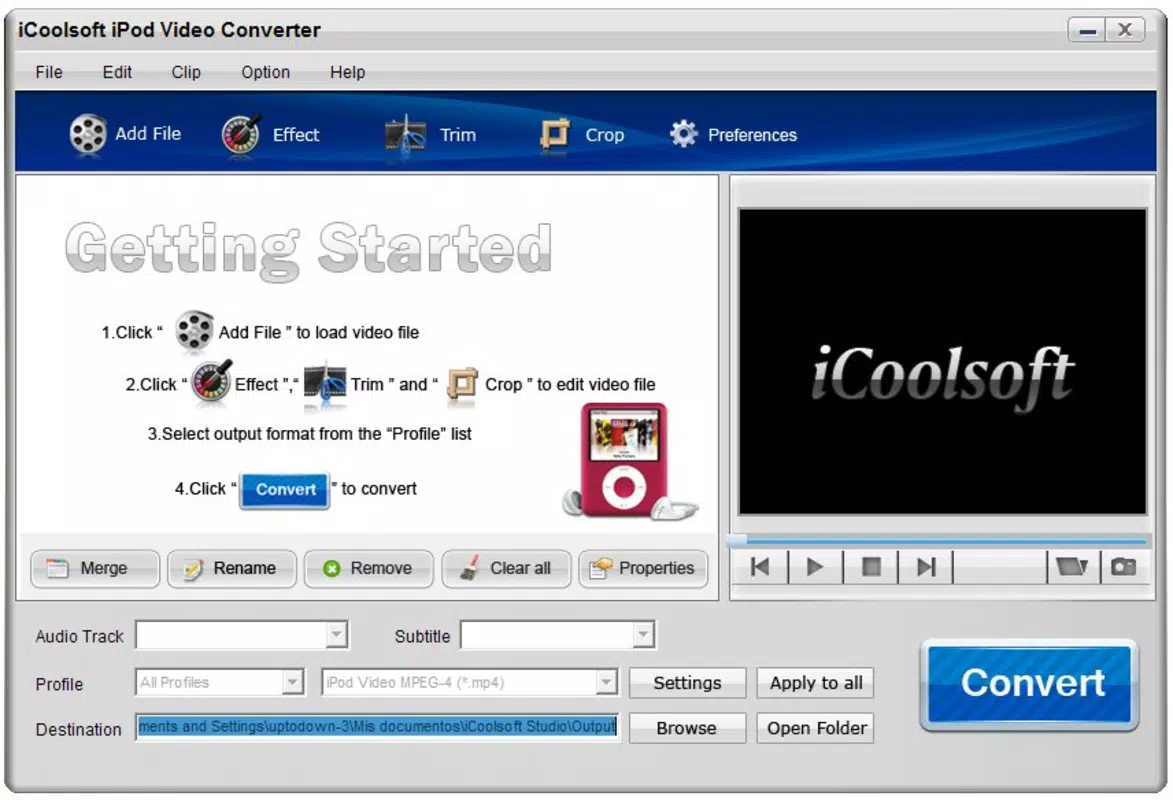
The conversion process begins with importing media files, followed by selecting the output format (e.g., iPod, iPhone, iPad), and then adjusting settings if needed. Once configured, the app executes the conversion efficiently. The intuitive layout minimizes user confusion, and clear labeling helps users identify options without prior experience. This structured approach enhances usability across different user skill levels.Interface, UX & Performance
The user interface of iCoolsoft iPod Video Converter is described as straightforward and intuitive, emphasizing ease of navigation. The layout is organized around core functions—file import, format selection, and conversion settings—ensuring a logical flow from start to finish. Visual design elements are minimal, focusing on functionality rather than decorative features, which contributes to a clean and efficient experience. Navigation is consistent, with clearly labeled buttons and accessible menus, allowing users to move between steps without confusion. Although the developer did not list formal performance metrics, the app is designed to handle conversions in a timely manner, with responsiveness maintained across different device categories. Stability appears to be a focus, as the tool avoids common issues like crashes during long conversions. The app performs reliably under standard usage conditions, though specific performance benchmarks were not disclosed. Users can expect consistent behavior when converting files, with minimal lag or interruption. The experience is optimized for users who prioritize functionality over advanced visual design, making it a practical choice for those seeking a dependable conversion tool.Platform Compatibility & Technical Requirements
The app is available for the Android platform and supports the latest version of the operating system. The file size is approximately 10.2 MB, making it a lightweight download suitable for devices with limited storage. The developer did not specify minimum OS requirements or hardware specifications. Compatibility with older devices or specific Android versions was not fully disclosed. Users should ensure their device meets general Android system standards for app installation. The app’s lightweight nature suggests it can run on a wide range of Android devices, though formal compatibility details were not provided. Installation is expected to be straightforward, following standard Android app deployment procedures. No additional permissions or system-level access were mentioned in the provided information.Pros and Cons
- Supports a wide range of video and audio formats for conversion
- Offers customizable output settings for quality and compatibility
- Intuitive interface suitable for non-technical users
- Optimized for Apple devices, ensuring smooth playback
- Lightweight file size, ideal for devices with limited storage
- Developer did not provide detailed system requirements
- Platform availability beyond Android was not confirmed
- Specific performance metrics were not disclosed
- No information on update frequency or long-term support
- Compatibility with older Android versions was not specified


